Open it on any phone
Go to app.taptalk.ca and add it to the home screen. It opens like a regular app.
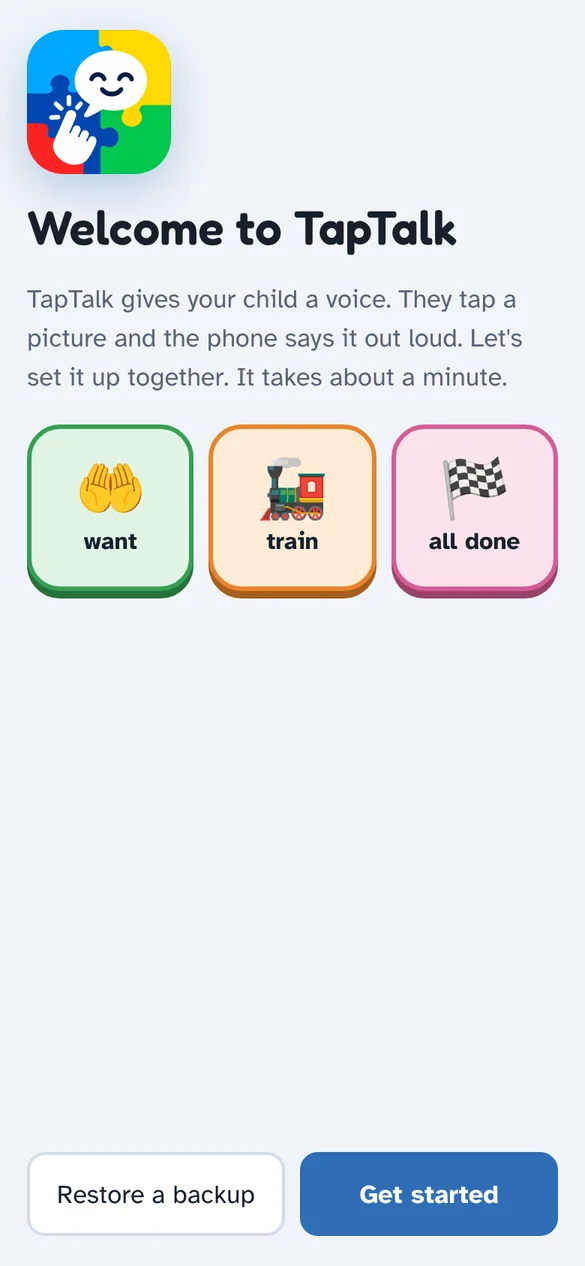
TapTalk is a tap-to-talk app for nonverbal and minimally verbal kids. They tap big picture buttons and the phone says the words out loud, in a natural voice they choose.
No download, no account for your child, nothing to pay. If your child already uses a talking app, the colors and layout will feel familiar.
Go to app.taptalk.ca and add it to the home screen. It opens like a regular app.
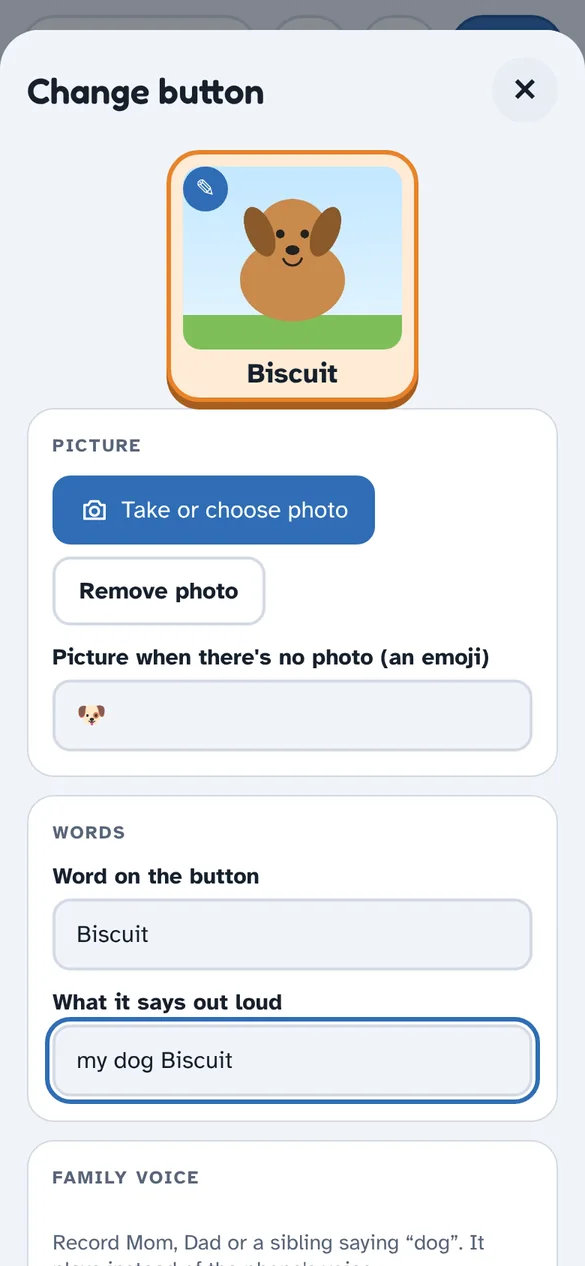
Add their name and photos of their real things: their dog, their cup, Grandma. Record your own voice.
Each tap says the word and builds a sentence. “Say it” reads it all. Show them by tapping as you talk.
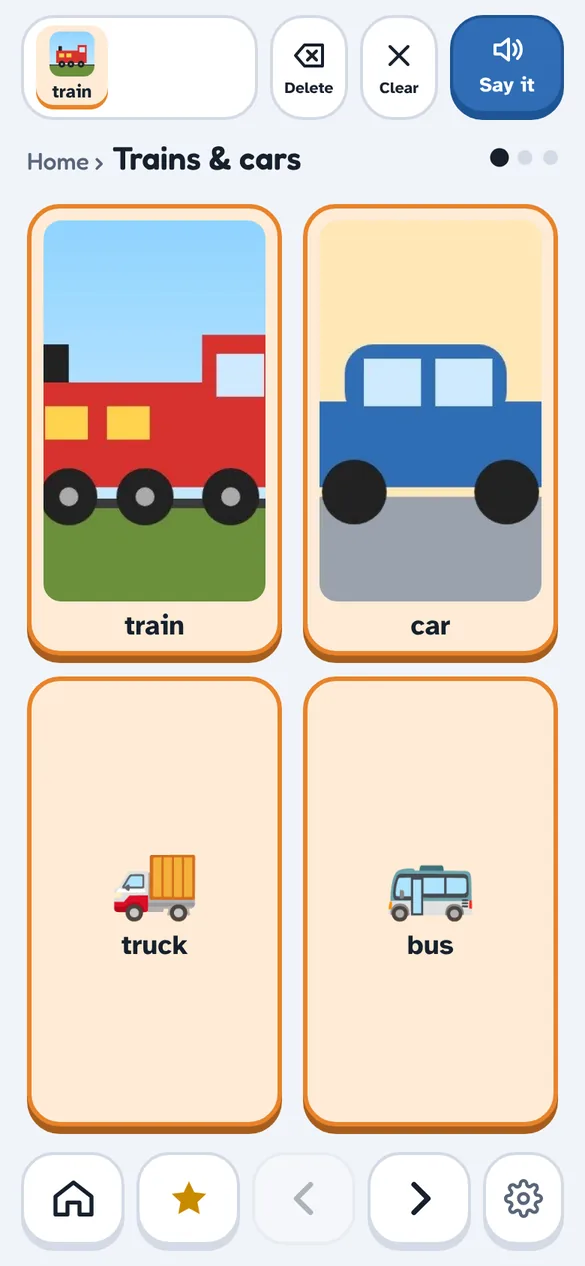
Every feature came from watching two nonverbal boys use TapTalk every day, and from what their family needed.
2, 4 or 6 large buttons per screen, with photos of the things your child actually loves.
Lifelike voices your child picks themselves, saved on the phone so they work offline.
Record Mom, Dad or a sibling saying any word. It plays instead of the computer voice.
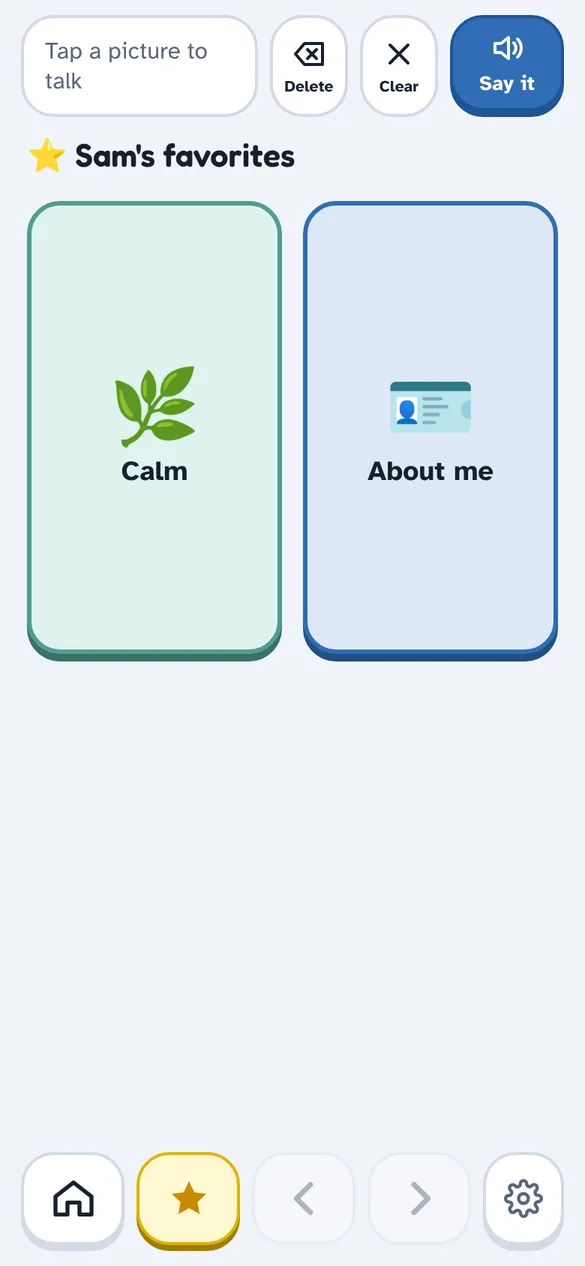
A breathing bubble, soft ocean sounds and quick phrases like “I need quiet” for hard moments.
A full-screen card for helpers: “My name is Sam. I'm autistic and can't speak. Please call my mom.”
Saved sentences, favorite words, and next-word suggestions learned from what your child says most.
Kids connect with real things. Snap a photo, type the word, and it's a button. Their talking app finally looks like their life.
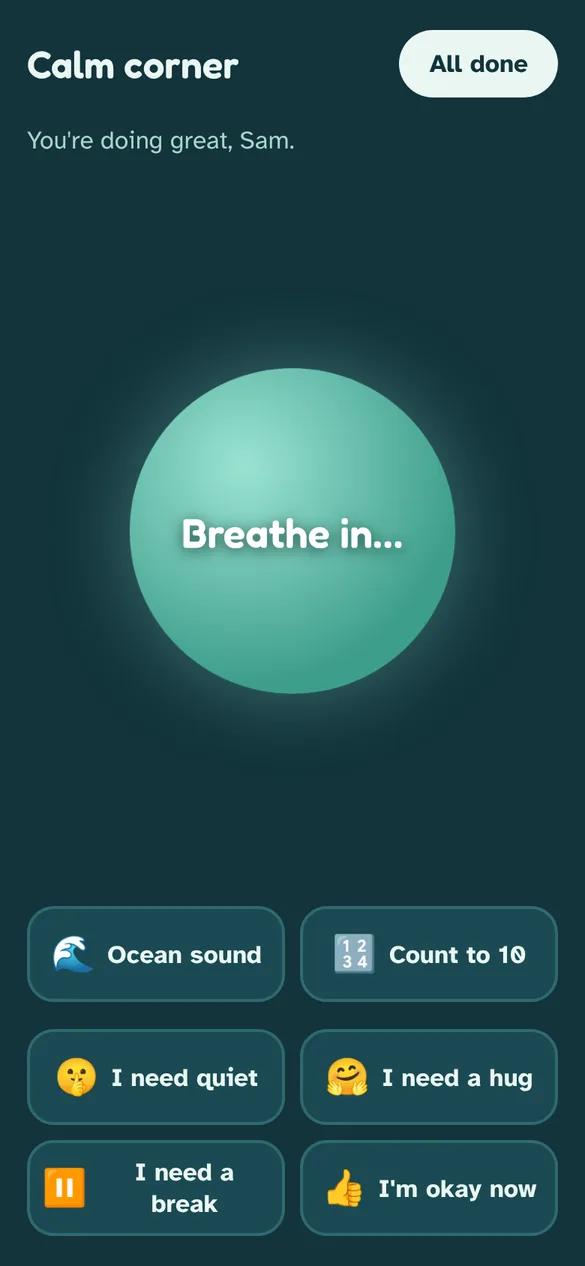
Big feelings happen. The calm corner gives your child a breathing bubble to follow, gentle ocean sounds, and quick ways to say what they need.
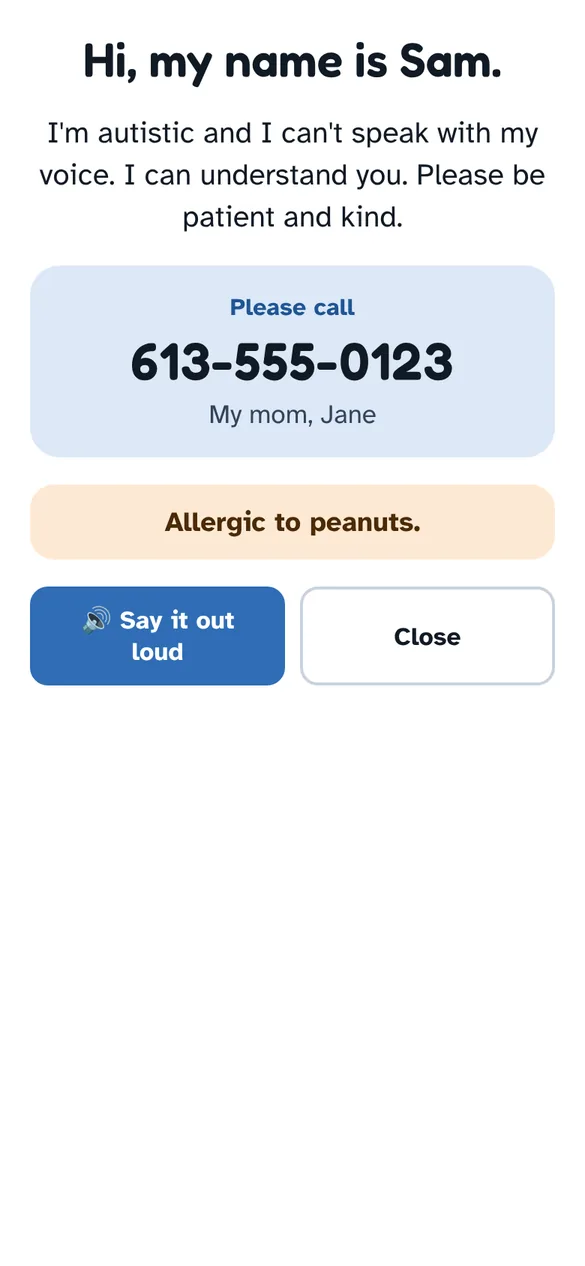
If your child is lost or needs help, their About me card tells a stranger who they are and who to call, and can read itself out loud.
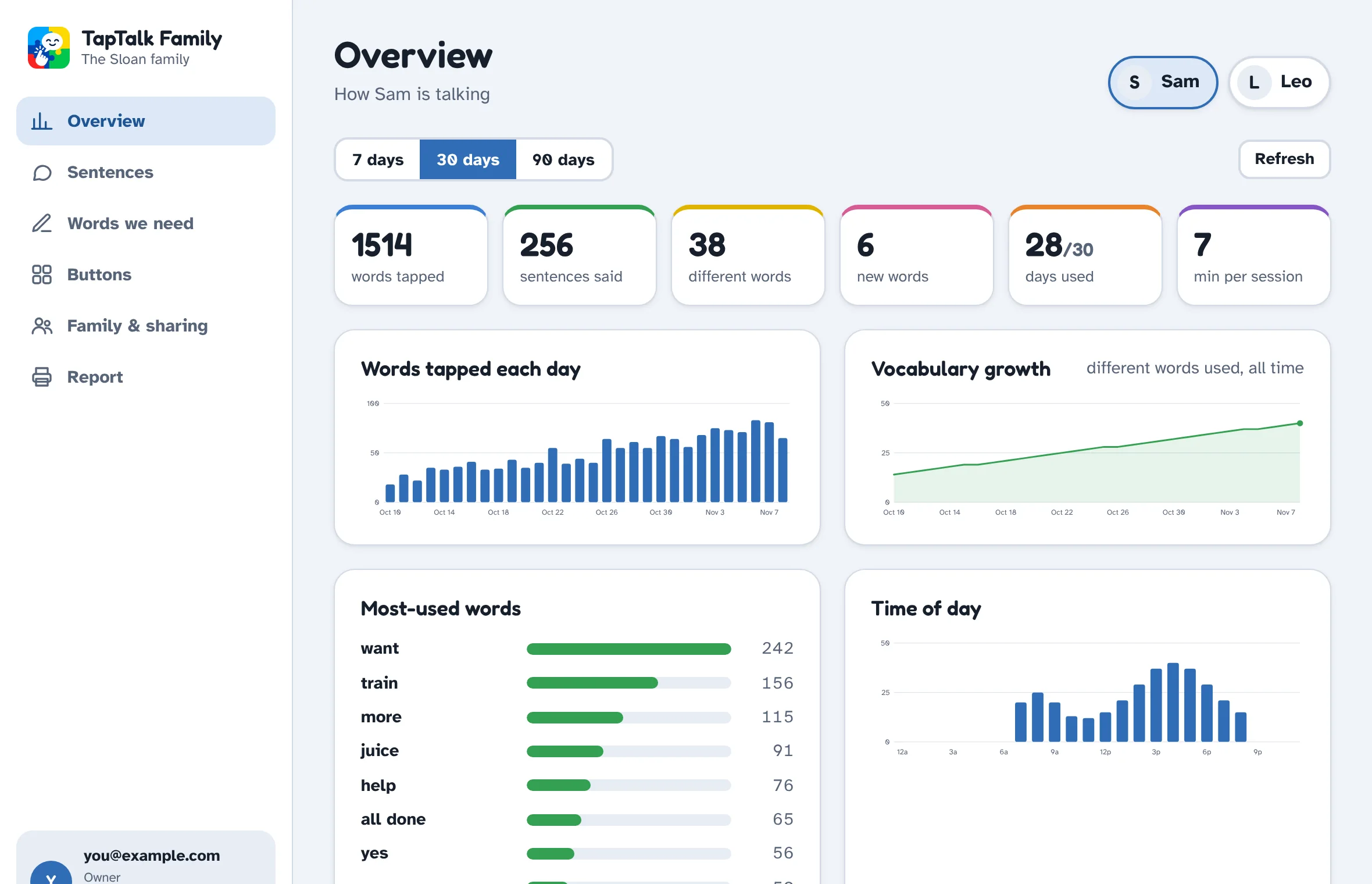
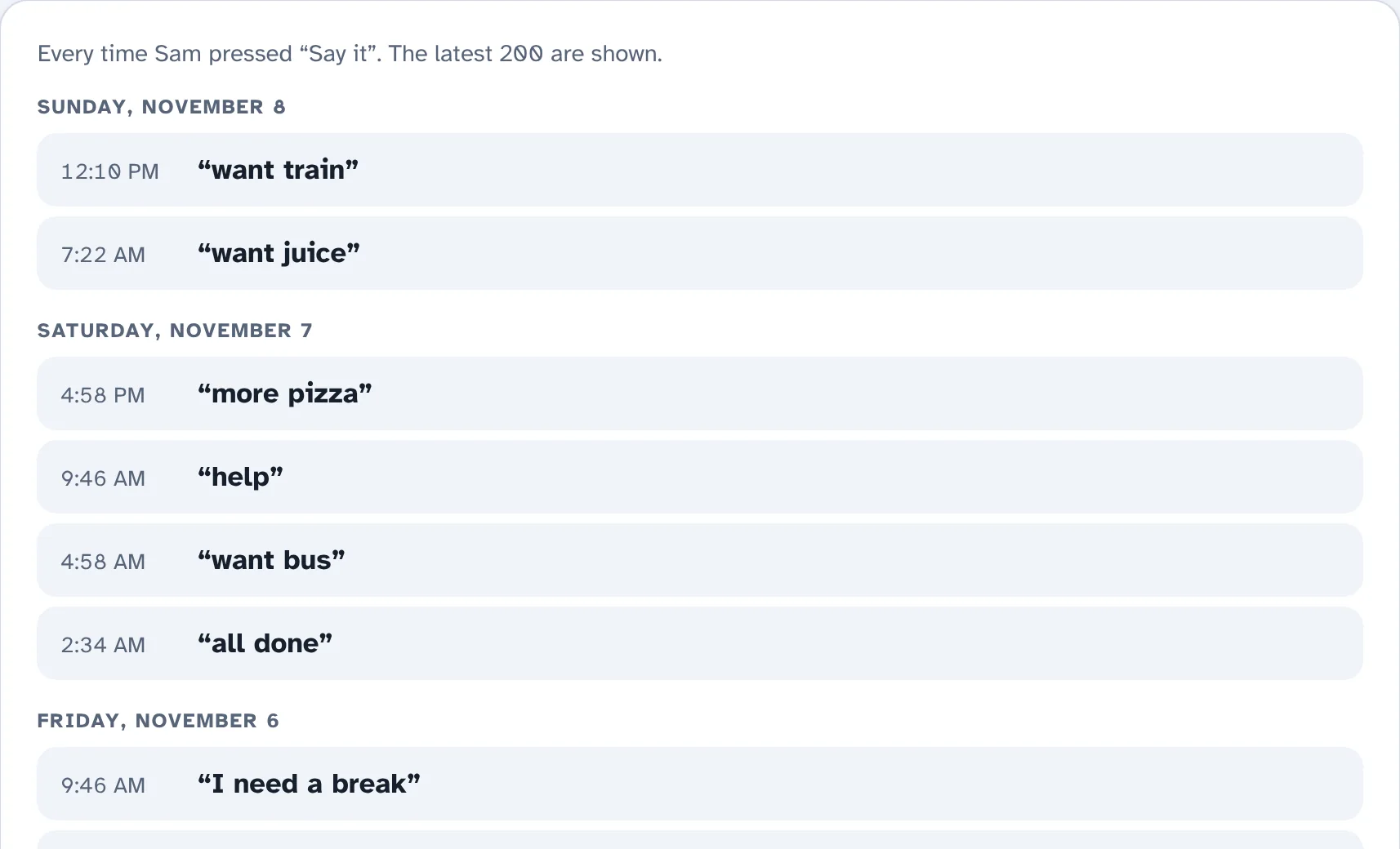
The optional family dashboard at family.taptalk.ca shows what your child says, from any computer. Connect their phone with a short code.
Every child deserves a way to say what they want, how they feel, and who they are.
TapTalk started with two nephews who are autistic and nonverbal. The talking apps they used were expensive, hard to customize, and crowded with tiny buttons, and the boys lost interest.
So we built something simpler: big buttons, their own photos, voices they picked, and a calm corner for hard days. Then we made it free, so every family can use it.
TapTalk grows from what families tell us. If something would help your child, we'd love to hear it at hello@taptalk.ca.
Yes. There are no ads, no subscriptions and no paid upgrades. We don't sell data.
Any recent iPhone, iPad, Android phone or tablet with Safari or Chrome. There's nothing to download from an app store.
iPhone or iPad:
Android:
On iPhone, turn on Guided Access (Settings → Accessibility) to keep your child inside TapTalk.
Only the first time, and once more after picking a natural voice so its words can be saved. After that TapTalk works with no internet: in the car, at the pool, on a trip.
Yes. TapTalk uses the same word colors most talking apps use (people in yellow, actions in green, and so on), plus a Home button and a sentence bar, so it should feel familiar. Talk with your child's speech therapist about what's best for them.
Without the family dashboard, everything stays on the phone. With it, TapTalk stores which buttons were tapped, sentences said, and photos and recordings you add, only so your family can see them. It never listens in the background or tracks location. Read the privacy page.
Yes. Invite them from the family dashboard with a link. They get view-only access to stats, sentences and buttons, and can add words to the “words we need” list.
A family in Canada, starting with two nephews who use it every day. Questions or ideas? Email hello@taptalk.ca.
 Every voice matters.
Open TapTalk on their phone. Set-up takes about a minute, and it's free.
Open TapTalk